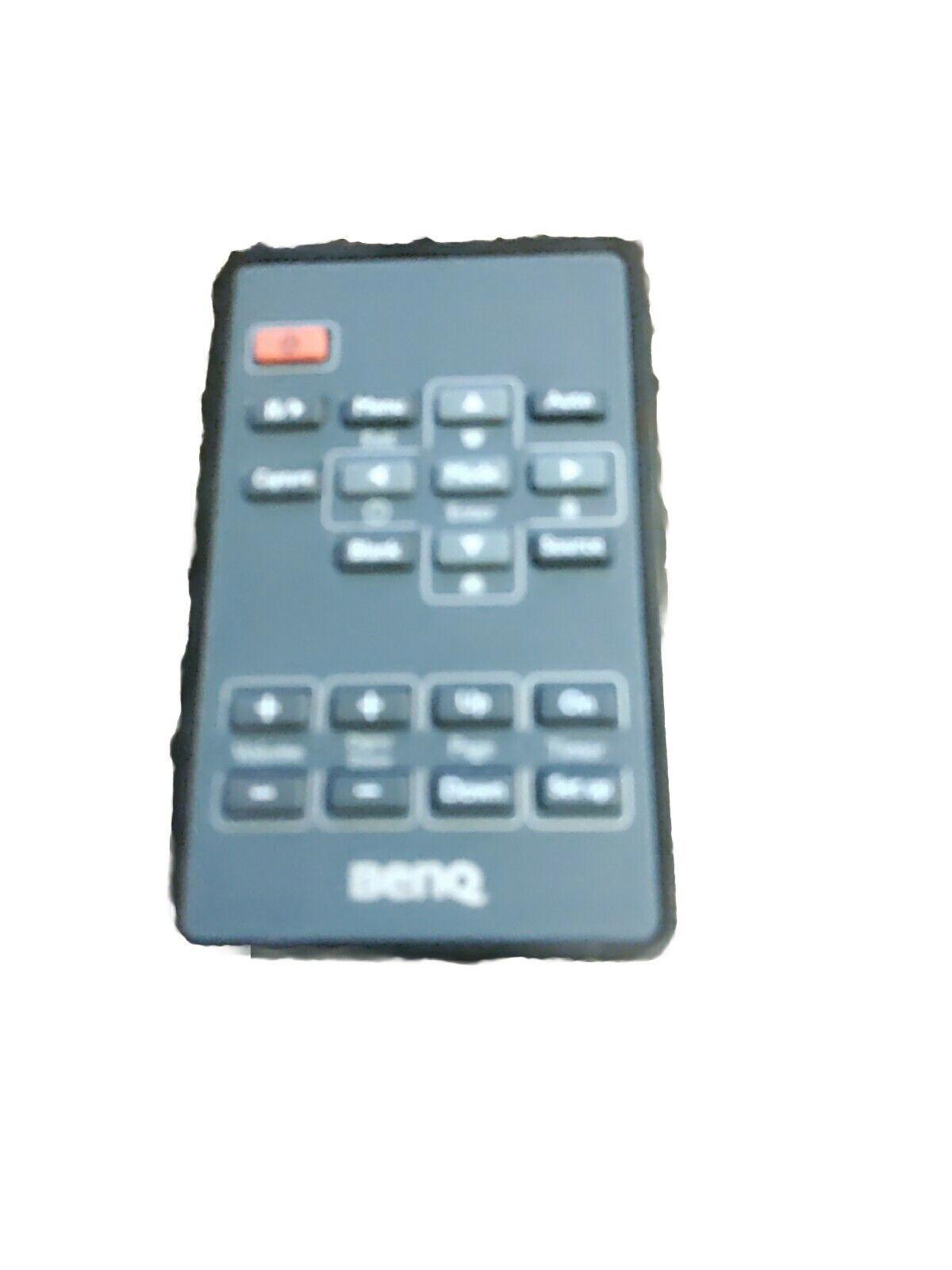
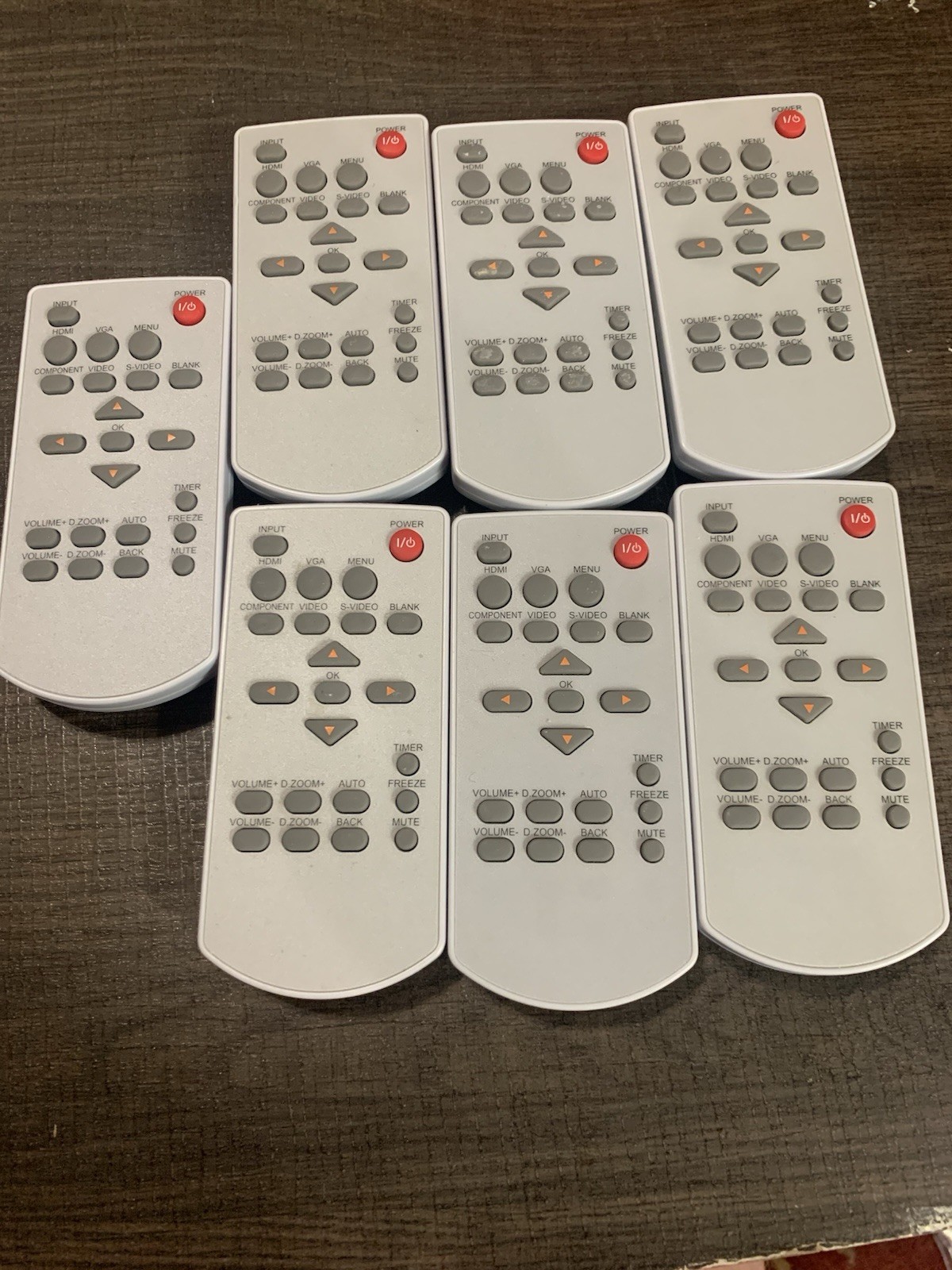
Universal Remote
For Sanyo Epson Vivitek Benq Nec Toshiba Viewsonic Projector
USD $12.27
Condition : New
Free Shipping

Notify me when the price drops
We will email you if we find a lower price on this product!
If the remote does not work with your projector with new batteries, please check below instruction for set up.
To set the "sanyo" brand, for example:
1.Holding down the "set" button,press the "mute" button at the same time, the LED flashing out after 3 times, release the two buttons.
2. Complete set, you can use it as normal.
The corresponding table button and brand:
"SET" key + "ON" button adapter: PLUS BENO NEC EIKI
"SET" key + "OFF" button adapter: VIVITEK BENQ PROMTHEAN
"SET" key + "MUTE" button adapter: SANYO EPSON (g)
"SET" key + "VIDEO" button adapter: PANASONIC FUJITSU
"SET" key + "RGB" button adapter: EPSON TOSHIBA SHARP eiki
"SET" key + "SOURCE" button adapter: NEC MITSUBISHI INFOCUS
"SET" key + "AV/MUTE" button adapter: SANYO OPTOMA UNIT
"SET" key +"KEYSTONE+ " button adapter: EPSON
"SET" key + "KEYSTONE-" button adapter: RICOH BENQ ACTO INASK OPTOMA ASK INFOCUS MITSUBISHI
"SET" key + "Z00M+" button adapler: OPTOMA MITSUBISHI
"SET" key + "ZOOM-" button adapter: BENQ MITSUBISHI
"SET" key + "VOL+" button adapter: SANYO EIki PANASONIC VIEWSONIC
"SET" key + "VOL-" button adapter: H-PEC OPTOMA ACTO
"SET" key + "MENU" button adapter: SAMSUNG NEC TOSHIBA
"SET" key + ��ESC" buton adapter: VEWSONIC HITACHI 3M
"SET" key + "ENTER" button adapter: LENOVO FOUNDER COSTAR
"SET" key + "MUTE" button adapter: SANYO EIKI SHARP
"SET" key + "POINTER" button adapter: HITACHI SONY
"SET" key + "BRIGHT" button adapter: EIKi LG PREMIER
"SET" key + ��CONTRAST " bution adapter: PHILIPS VEWSONIC
"SET" key + "COLOR" button adapter: HP DELL CANON NEC
"SET" key + "ASCEPT" button adapter: ZB VINEW SOME
"SET" key + "MODE" button adapter: PRONEER JVC UNIC POLAROID
"SET" key + "FREEZE" button adapter: ACER
"SET" key + "SIZE+" button adapter: CASIO
Power Supply: 2X 1.5V AAA Alkaline Battery(Not Included)
Package Content:
1X Remote Control







 .
